Documentation of Modifications with reasons
The data changes can also be linked to a change reason. This is done using the Changes. If tables or fields for which a change reason is required are to be changed (setup Incl. Change in the audit trail for table or field), a recording related to a change must be started. To do this, either an existing change can be used or a new change can be created.
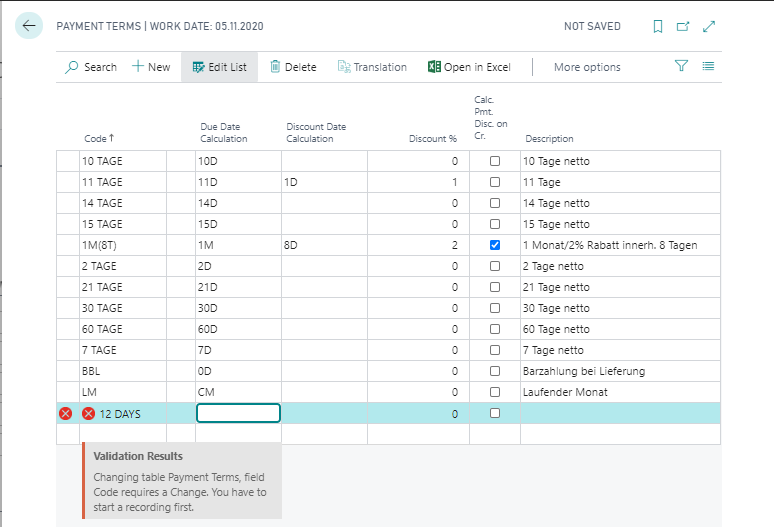
- Open the change list
- Start the recording, the recording is active
- Carry out the data change
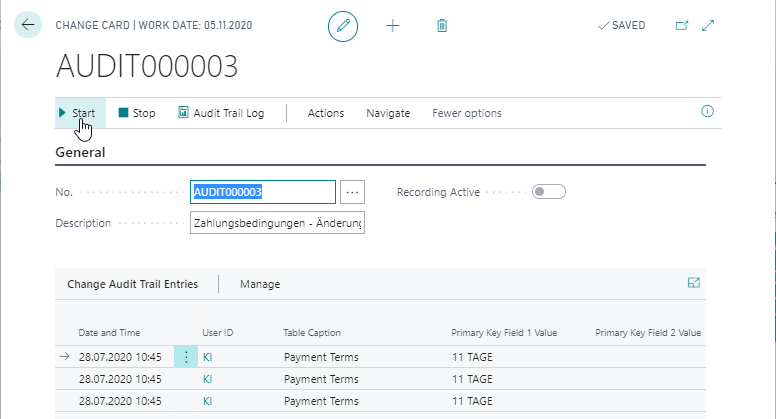
The data is then changed. All changes made are now logged in relation to the change for which recording was started. You can change different data records of a certain table as well as data records in different tables.
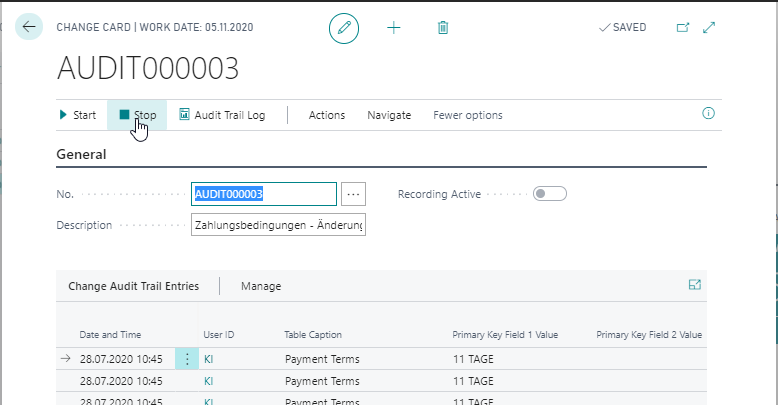
When the data changes are complete, the recording is stopped. Recording is automatically stopped as soon as the client is closed. The recording of the changes can be done in several steps. This means that it is possible to start the recording, change the data and stop the recording repeatedly.
Furthermore, a change can be blocked for further recordings by the electronic signature. For further information go to chapter Electronic Signature for Audit Trail Changes.
To do this, a corresponding rule for the electronic signature of the action Audit Trail - Changes must be created. This can be requested in the Electronic Signature info box of the Change Card. If the electronic signature has been confirmed, this change is blocked for further recording.
Note
If the tables/fields are changed by background processing, the system also checks the reason for the change. In background processing, however, no recording can be started in relation to a change. When setting up the system, you must therefore note that only the change can be logged for such tables/fields, but no change reason can be assigned.