Posting Rules
The Yaveon 365 Lot Management app provides you with numerous posting rule groups. This allows you to create rules that allow or prevent postings based on different criteria. Furthermore, an item / lot on inventory can be explicitly excluded for availability during planning.
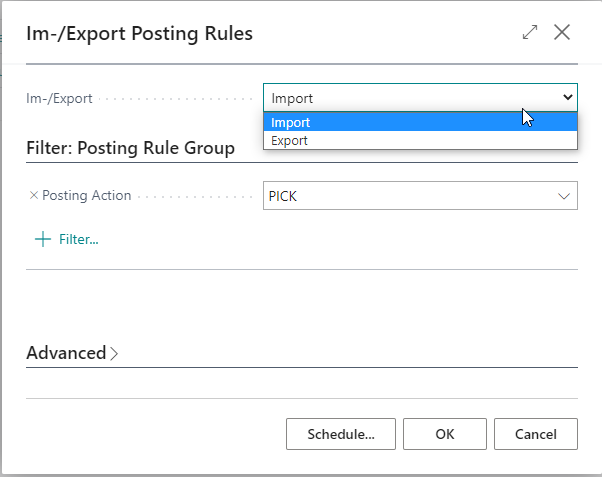
The action Import / Export allows the import and exports of rule groups as XML files. Additional filters can be set for the export of a single rule category or a special rule. The import is done via the generated XML file. Existing rules are overwritten by the imported rules.
Important
Avoid using Business Central filter operator characters in codes that are referenced as condition filters in posting rules, such as <, >, &, |, *, ?, .., or @. If a code — for example a bin code, zone code, lot number, user group code, or item number — contains these characters, Business Central interprets them as filter operators rather than literal values. This can cause rules to not be applied as expected — they can match unintended records or not match at all — unnoticed.
Follow the links to learn more about the different booking rules!