Labels and Label entries
Printing of labels for lots, load carriers and samples is logged in the system by creating label entries. All data of the print is stored in the database. Based on the stored data, a reprint of the label can take place. Each printout creates a new record. However, when reprinting to an already existing record, only a new item is created to the record.
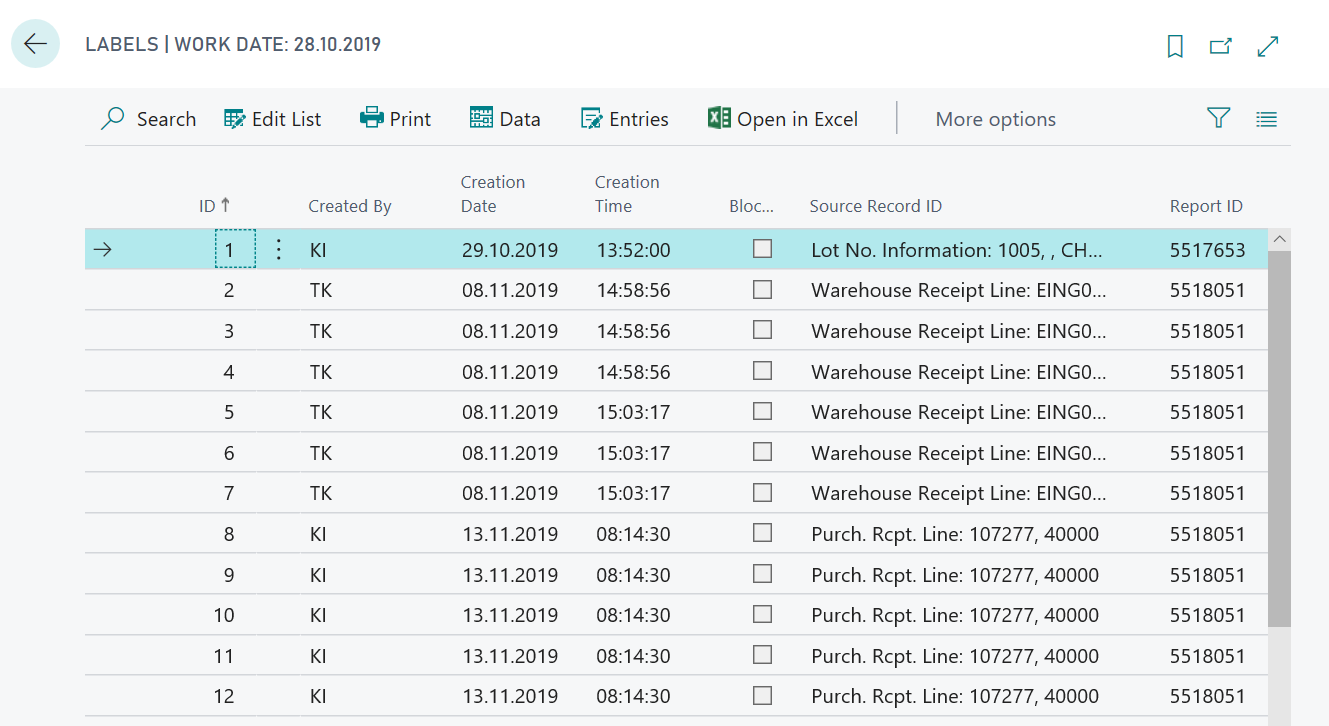
Each label print is replaced by a new entry with a unique ID in the Labels table. It is recognizable who printed the label and when it was printed.
The Report ID shows which label was printed and where the print was called (Source Record ID).
The Blocked indicator can be used to suppress the printing of a label. For this, the list must be set to "Edit mode".
Note
The printed reports are partially made available through the installation of other apps.
Via the action Data, the label data can be called up and the printed record can be reprinted via Print.
The action Entries can be used to call up the items associated with the label. The items will document the initial printing as well as each additional reprint.
Note
The logging of the label items forms the basis for a later label accounting, which is provided with the app ProBatch 365 Compliance. In addition, label usage can be logged here.