Inheritance of data to filling items
In addition to the inheritance of data during the production process, it is also possible to inherit subsequent changes of lot data from the base item to the fillings created from it.
Example:
A bulk lot is filled into 5 containers of different filling items (sizes). If the bulk lot is subsequently released, the filled lots are also released.
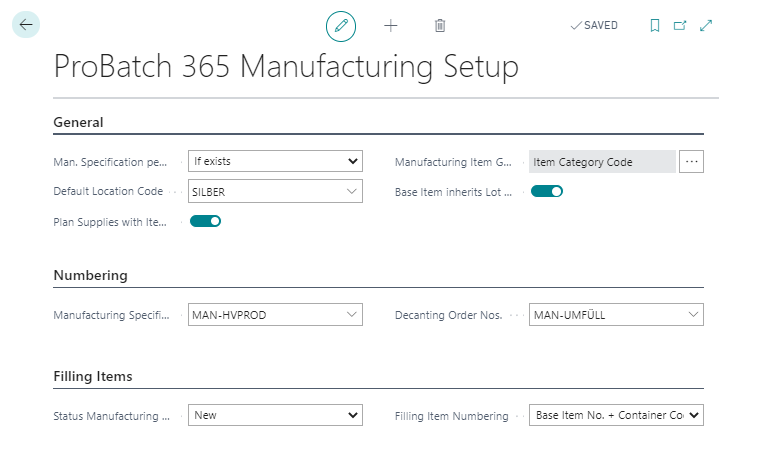
The function is activated via the field Base Item inherits lot data in the ProBatch 365 manufacturing setup.
Important
When data is subsequently changed, it is only inherited if inheriting flags (expiration date, status, features, Production date) are set on the page of the base item.
The produced item (filling item) must contain the item number of the (from the same lot) component (bulk item) in the field Base Item no. on the Item Card. Internally, the filled lots are linked via the ID and Base ID fields in item tracking. This means that the filled lot has the ID of the bulk lot as Base ID.
In order to be able to change a filled lot independently of the bulk lot (e.g. block a single filled container), the Base ID field can be emptied via a Lotno. Info Modification.
Note
A lot merge (Lot No. Modification) of lots with different Base ID discards the base ID of the merged lot. The Base ID is also deleted, when a lot split is created due to a sales return order.
The settings on the item card of the bulk item determine which data are matched.