Yaveon 365 SP Vendor Groups
You can create Yaveon 365 SP Vendor Groups by finding the Page through the search function. There you can create a new group. You have to give it a unique Code and a Description.
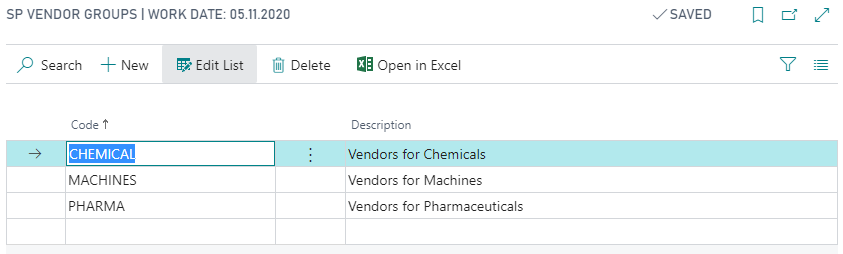
Then you can add the group to a vendor on the Vendor Page.
Yaveon 365 SP Vendor Groups can be used sort, filter and analyse vendors.
The Yaveon 365 SP Vendor Groups can also be taken from another field, instead of being created manually. Thereby, Vendor Groups from different Apps can be synchronized. The process to set this up is described in the Yaveon 365 Sales and Purchase Setup.