Put-away zones
Each zone can optionally be divided into Put-away Zones. A put-away zone corresponds to a part of the zone that is intended for a certain ABC class.
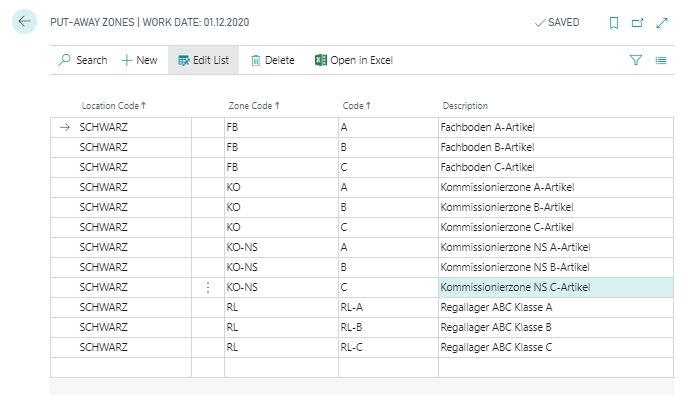
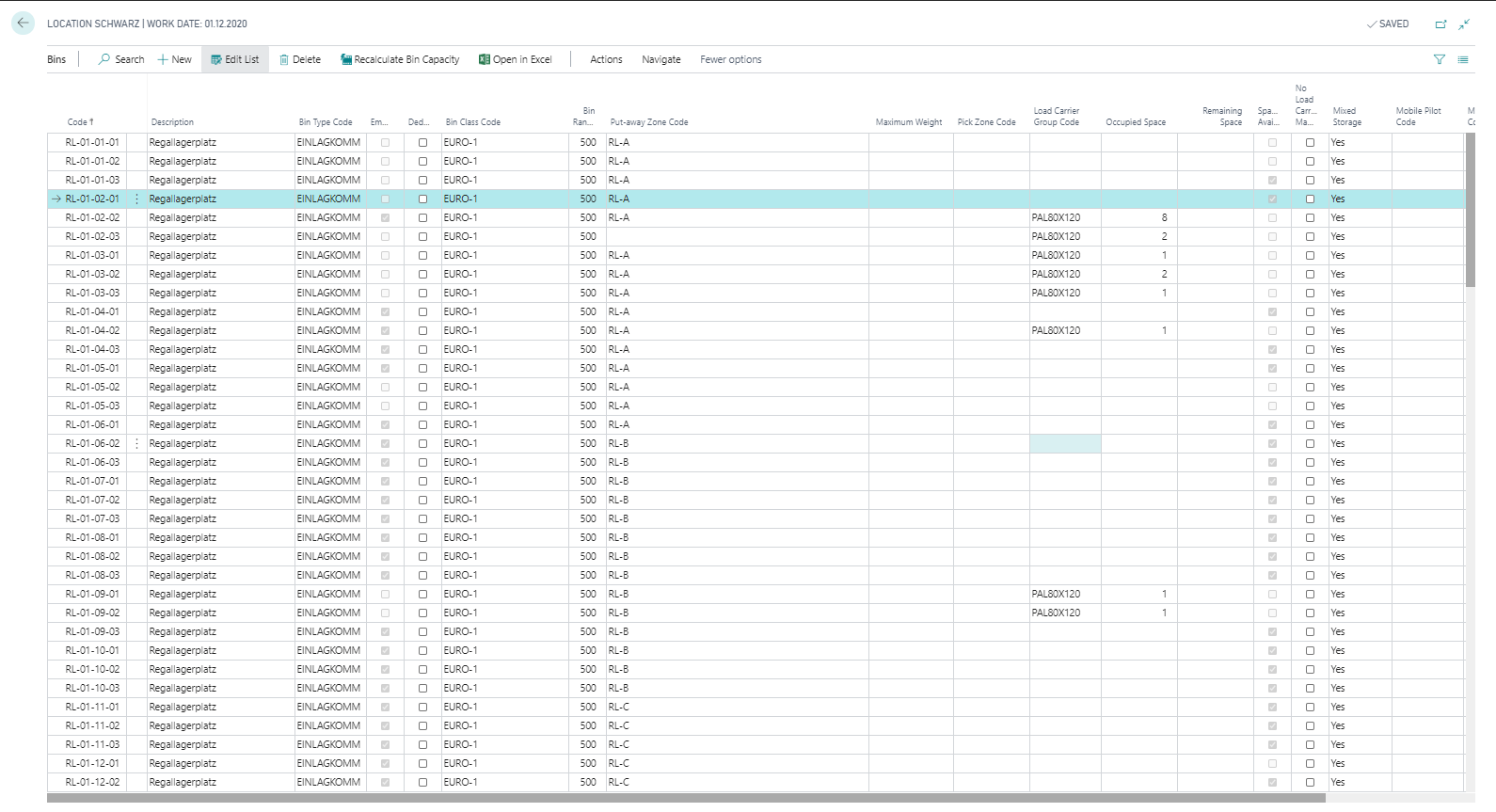
With the action New you can create a new line. You must then select the Location Code and the Zone Code for which a put-away zone is to be defined. In the Code field, you must enter a value that uniquely identifies the put-away zone. You can use the same code for different locations or zones. You can also define a Description for the put-away zone. The put-away zone is then defined in the corresponding field in the Bin.
Important
Avoid using Business Central filter operator characters in put-away zone codes, such as <, >, &, |, *, ?, .., or @. These characters are interpreted as filter operators by Business Central, which can cause unexpected results when this code is used in filters or posting rules.