Add Document Field
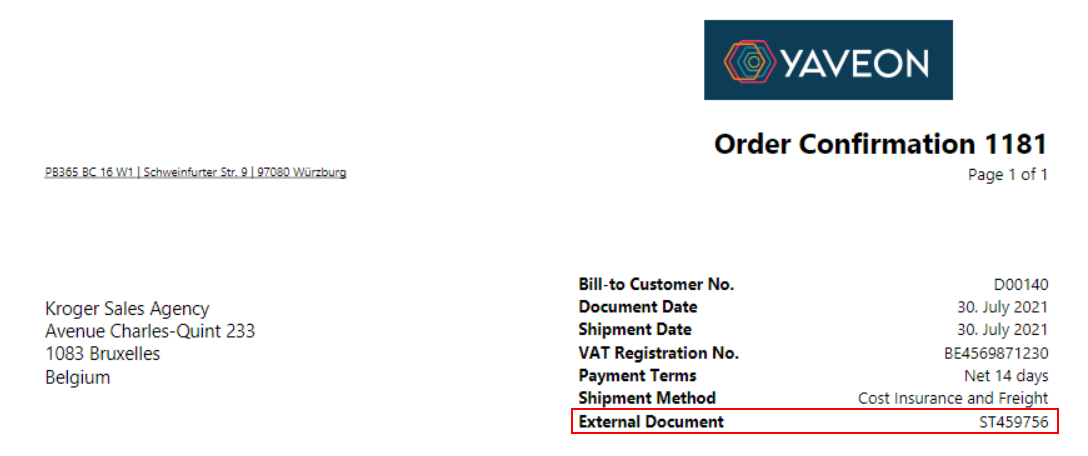
The reports in Corporate Design can be supplemented with various fields from the document. The following is an example of how the External Document No. can be inserted as a field in the header of an order confirmation.
For this, the CD Field Configuration has to be set up. It can be filtered on the CD Layout ID 5517504 (order confirmation) as well as on the Section Header. Then a new line has to be added.

The fields of the line have to be filled as follows:
- CD Layout ID 5517504
- Source type Table
- Source No. 36
- Type Field
- Field No. 100
- Section Header
- Position 12
- Label External Document No.
- Label Font Style Bold
The added field will now be printed in the order confirmation.