Mobile pilot code
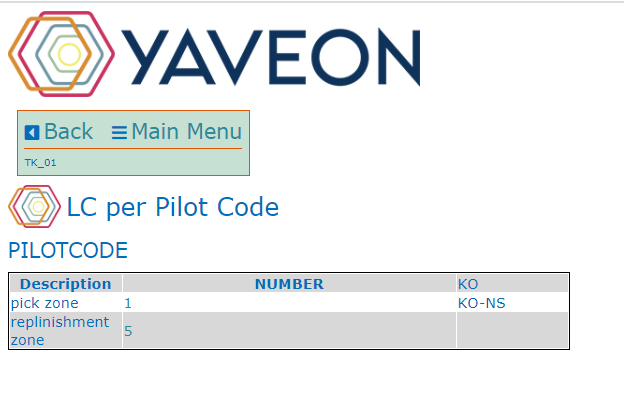
Use the table Mobile Pilot Code for the free definition of pilot codes within a location. Pilot codes are used to structure your inventory movements of load carriers in the warehouse. With the action New you can create a new line and assign a Code and a Description. The No. of Load Carrier Activities field then displays the number of load carrier activities that are to be moved from the current pilot code. By clicking on the number, you can also open the Load Carrier Warehouse Activities directly.

These pilot codes can be stored at the zone and bin and are used in the table Load Carrier Whse. Activities (see chapter load-carrier). You can then select and execute the pending movements on the mobile device. For more information, see the chapter mobile load carrier activities.
Important
Avoid using Business Central filter operator characters in pilot codes, such as <, >, &, |, *, ?, .., or @. These characters are interpreted as filter operators by Business Central, which can cause unexpected results when this code is used in filters or posting rules.
Note
An overview of the parameters that can be used for the mobile dialogs can be found in Mobile Pages & Parameters Overview.