Use conditions
With Corporate Design it is possible to print fields on documents depending on simple conditions. For this purpose, a setup example on the Transfer Orders is explained below.
The condition is: If the Shipping Agent Code field in the transfer order is filled, it should be printed. If the field is empty, the Transit Location should be printed.
The implementation of this example is set up in the CD Labels table and in the CD Field Configuration table.
- Two new conditions have to be created in CD Labels (C001, C002)

- Four new lines are created in CD Field Configuration:
Entries in the first line:
- Condition C001
- CD Report ID 5517509
- Source type Table
- Source No. 5740
- Field No. 34
- Source Table Relation Table Type Table
- Source Table Relation Table 291
- Section Header
- Position 5
- Sorting 1
- Label Shipping Agent
- Label Font Style Bold
Entries in the second line:
- Condition C002
- CD Report ID 5517509
- Source Type Table
- Source No. 5740
- Field No. 27
- Section Header
- Position 5
- Label Shipping Agent
- Label Font Style Bold


Entries in the third line:
If this condition is met, i.e. the field 34 (=shipping agent) is not empty, then it jumps to condition C001, i.e. to the first of the created lines, and prints the shipping agent:
- Source Type Table
- Source No. 5740
- Field No. 34
- Source Table Relation Table Type Table
- Source Table Relation Table 291
- Section Condition
- Position 0
- Label C001
- Label Font Style Blank
Comparison Not Empty
Entries in the fourth line:
If this condition is met, i.e. field 34 (=shipping agent) is empty, then it jumps to condition C002, i.e. to the second of the created lines, and prints the transit warehouse:Source Type Table
- Source No. 5740
- Field no. 34
- Source Table Relation Table Type Table
- Source Table Relation Table 291
- Section Condition
- Position 0
- Label C002
- Label Font Style Blank
- Comparison Empty


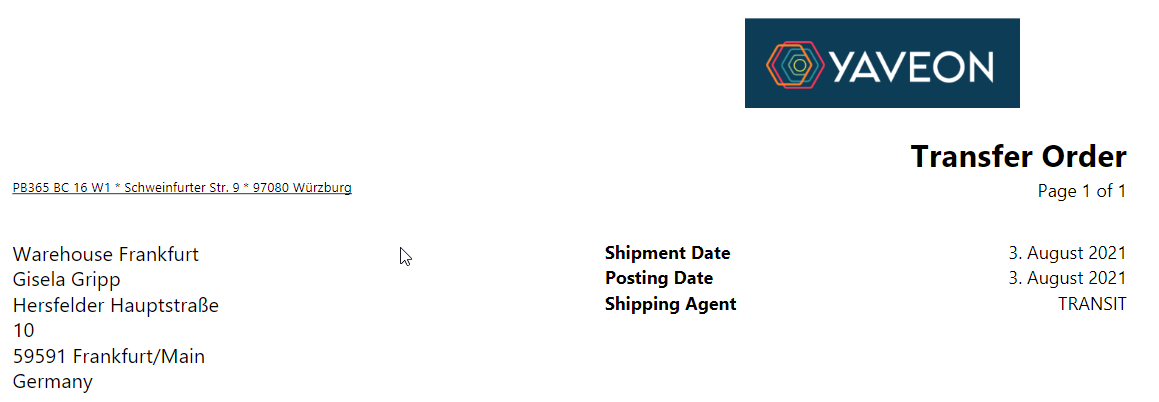
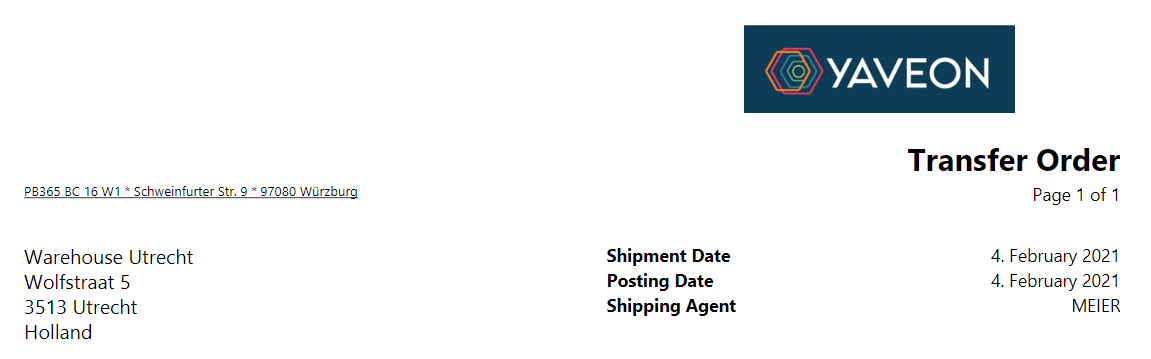
In the transfer orders shown here, the difference between the two conditions can be seen in the Shipping Agent field. TRANSIT is the transit warehouse. MEIER is the shipping agent.
Note
If the value to be printed is in the line of a document, e.g. in the sales line, but the condition value is in the header of the document, e.g. in the sales order header, then it is possible to use a condition exactly as if the condition value were in the line of the document. To do this, the field in the document header must be specified as the condition value in the condition setup line, compare lines three and four of the above example.