CD Labels
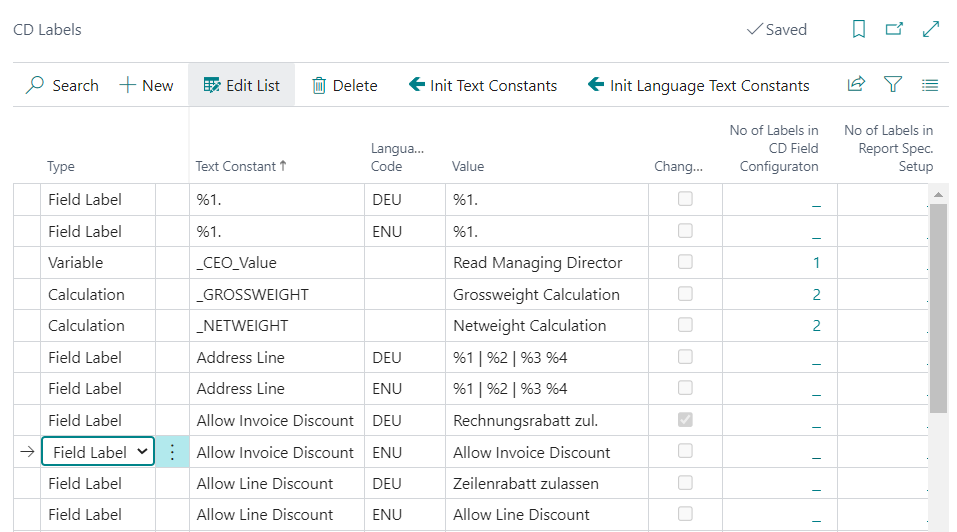
In the CD Labels table, labels and values can be maintained, which are needed for setups in other tables.
On the one hand, the table contains Document- and Field Labels, which are used as Document Labels, Field Names and Headings within the documents. These are created depending on a Language Code. Depending on which language code is maintained in the document, the corresponding identifiers are taken from this table. This makes it possible to set up documents in all possible languages by having the user maintain the labels and descriptions in this table. Changes to document and field labels are also easily made this way.
On the other hand, values can be set up, which can be used in the CD Field Configuration for calculations, as parameters or as conditions. It is also possible to create a variable that is printed directly. The value of this variable is maintained in the CD Rec Extensions table. All these values are not dependent on the Language Code.
Column explanation
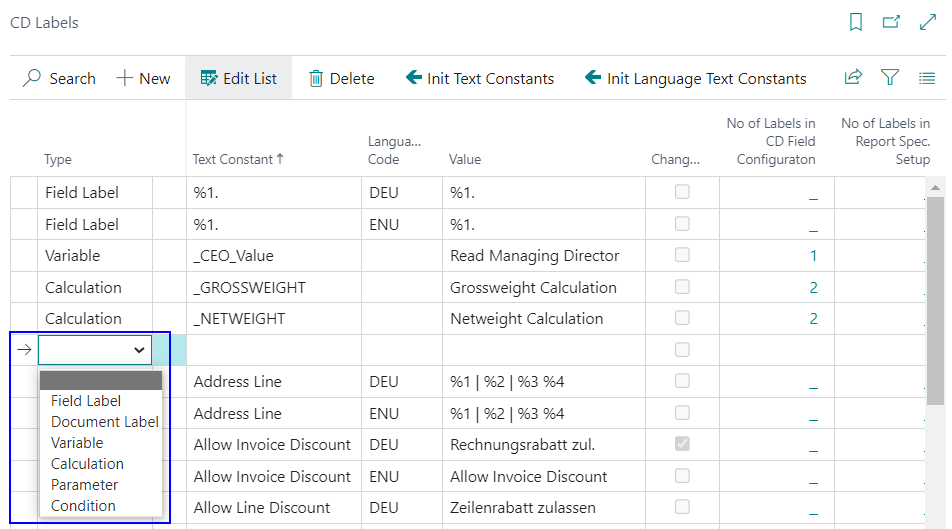
Type
The type of line can be defined in the column Type. The following options are available: Field Label, Document Label, Variable, Calculation, Parameter, Condition.
Text Constant
This is the label that is selected in the various setup tables and used in programming.
Language Code
For each Text Constant a value can be created in any language. For this purpose, the corresponding Language Code can be selected in this field, for which the data in the Value column is then used.
Value
The values that are printed on the documents can be maintained in the Value column. Variable values, e.g. document numbers in the document label, are represented by "%1", "%2", etc. .
Changed
If an entry, which was created by the initialization function, is adjusted manually, or if an entry is changed manually, a check mark is placed in this field. This way you can see which entry has been adjusted manually.
Initialization functions
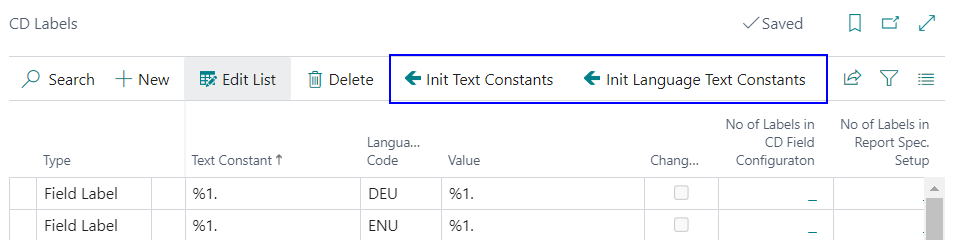
Init Text Constants
The Initialize Text Constants function creates all text constants without Language Code. If these have already been created, they can be re-initialized after a query. Initially, these text constants are also filled by the Function Initialize in the ProBatch 365 Base Corporate Design Documents Setup.
Init Language Text Constants
The Init Language Text Constants function can be used to initialize all Document- and Field Labels in different languages. After executing the function, a selection menu appears in which the language to be initialized can be selected. English and German are fully maintained as languages and are automatically created with the Function Initialize. Other languages such as French and Dutch are largely maintained. If a language is not maintained, the English term is automatically inserted.