QA Vendor groups
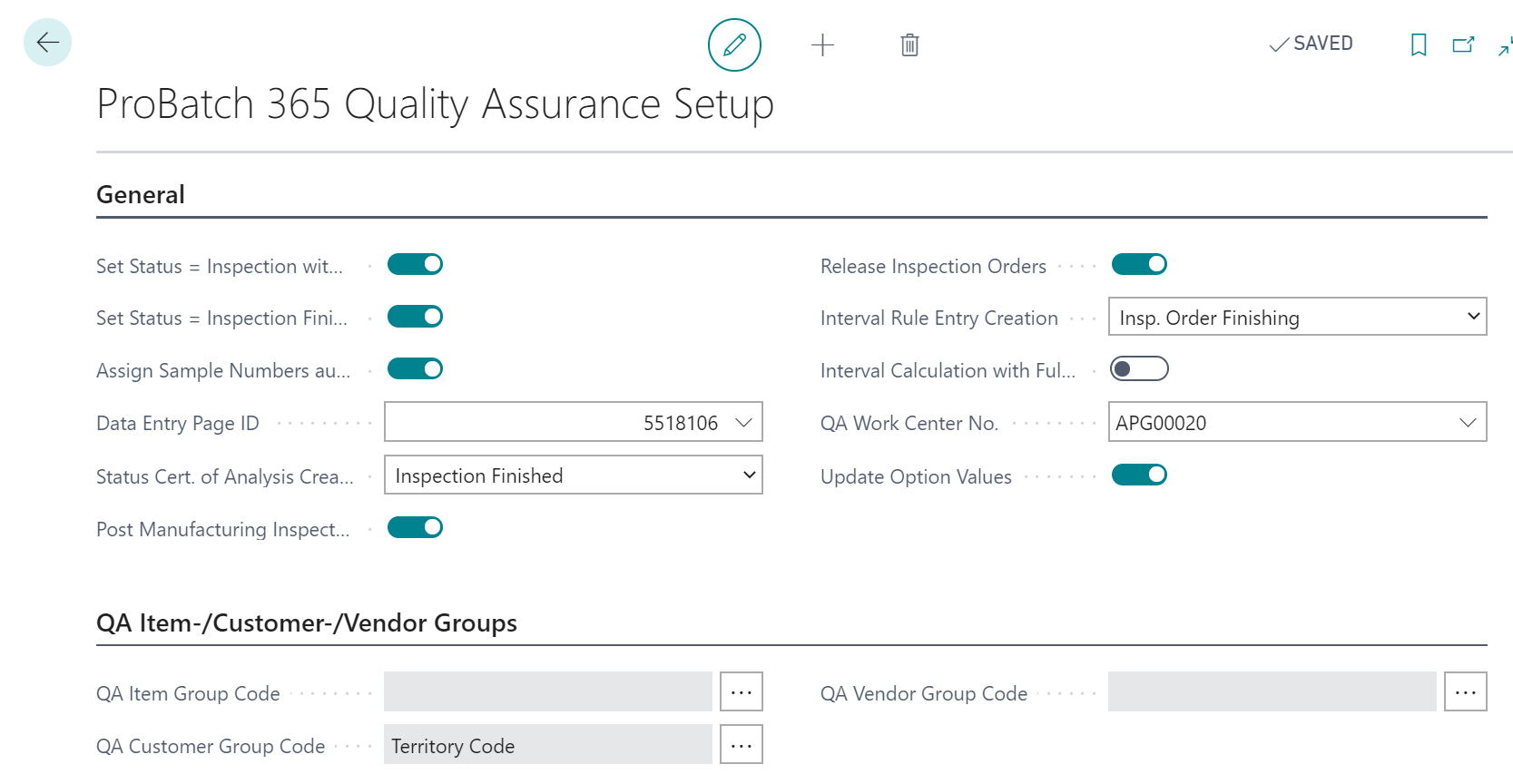
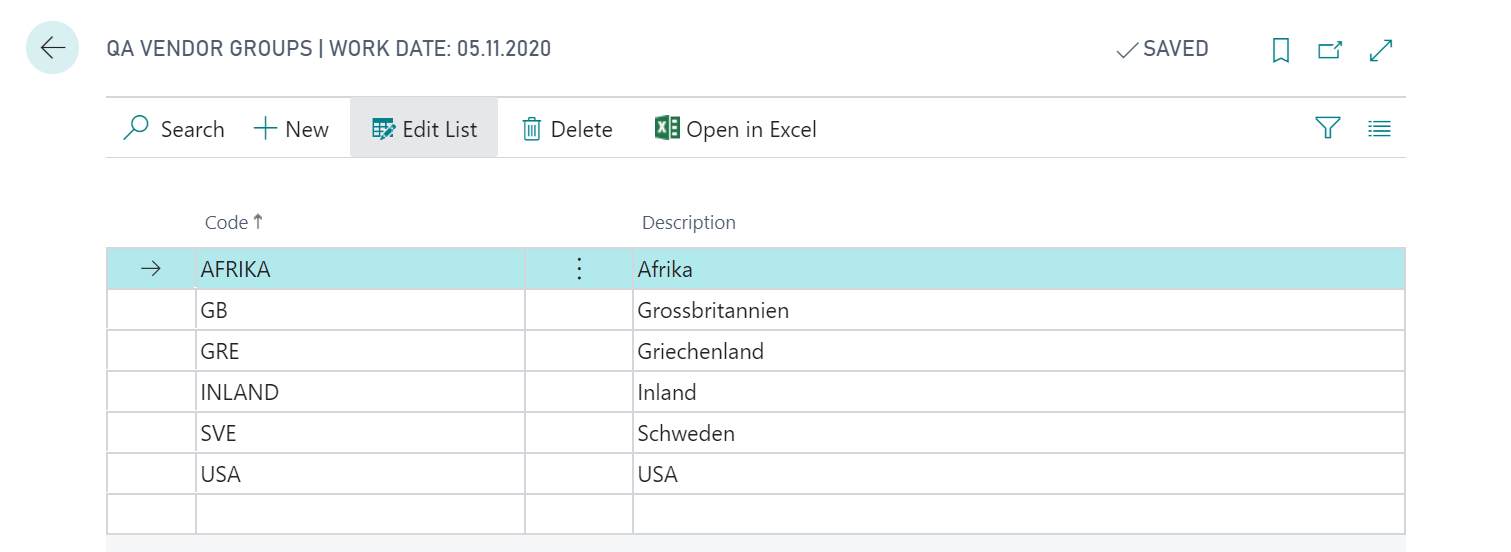
To group vendors according to quality control, you can use the table QA Vendor Groups. The table can be filled manually or preassigned with values by selecting a Field ID or a Table ID in the field QA Vendor Group Code in the ProBatch 365 Quality Assurance Setup. Values which are already in the table will then be deleted.
Note
If a reference is to be made to a specific field, this setting must be made before further data maintenance. It is not possible to enter or change this setting subsequently if data records (for example, inspection order header) already exist in the system. In this case, you have to maintain the data manually.
You can now add additional values and remove existing values. If you have decided to reference an existing field, the following two principles apply:
- If a value is added or deleted in the source table, it is also added or deleted in the QS Vendor Groups
- If a value is added or deleted in the QA Vendor Groups table, it is not added or deleted in the source table.
Note
If a value is deleted in the QA Vendor Group, no update is made in the field on the Vendor Card. The value remains there and must be changed manually.
The QA Vendor Group can be accessed at various points in the system:
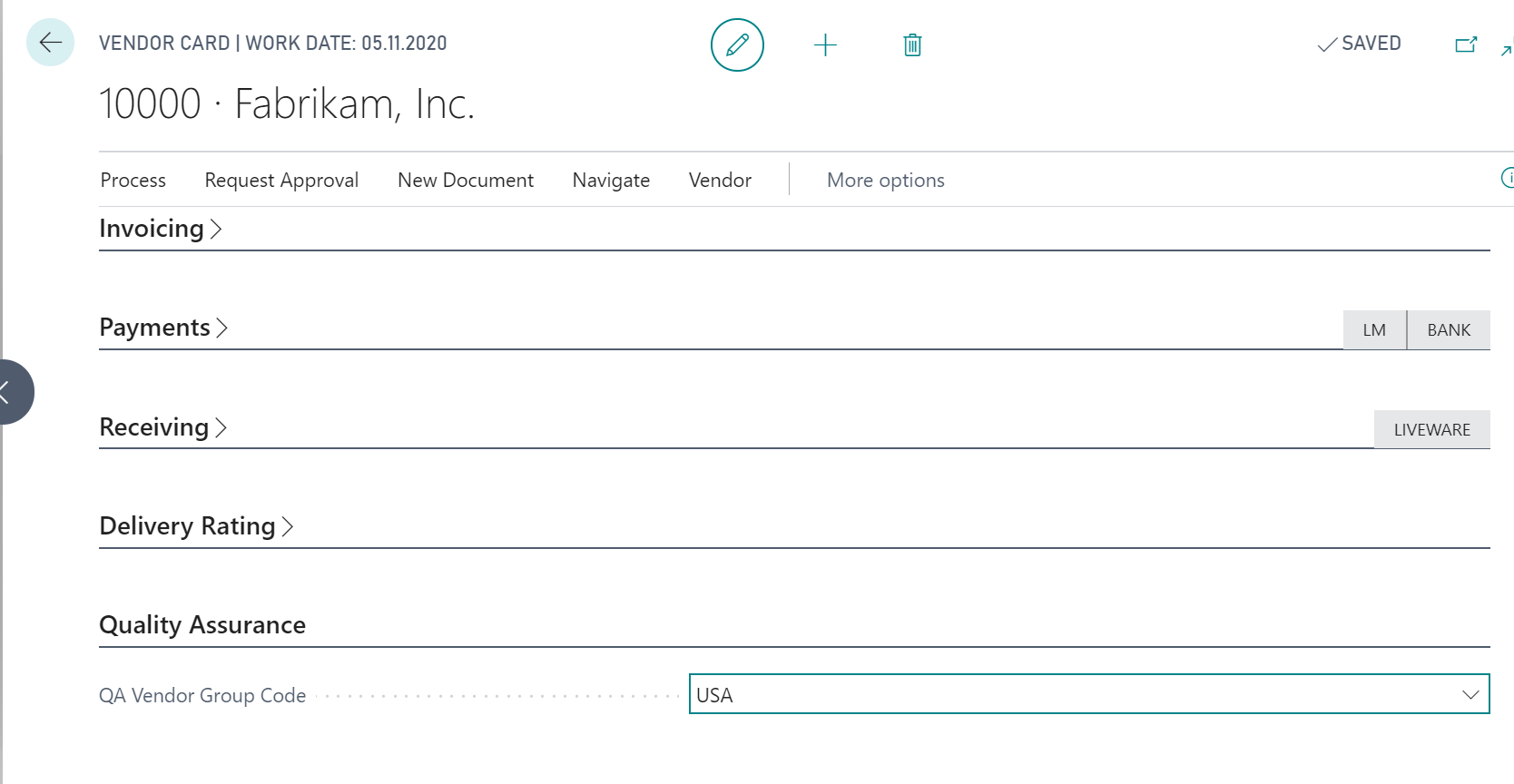
The link between the QA Vendor Group and the Vendor is made via the field QA Vendor Group Code on the Vendor Card.